The Passive AI Learning Stack That Changed the Way I Learn
Learn more with less effort.


I want to share a workflow that I’m following now that has revolutionized how I consume long-form content or anything that requires in-depth analysis and time commitment.
Acknowledging the Knowledge Acquisition Paradox
I don’t have a reading list, I have a graveyard well intentioned bookmarks that never get visited again.
I’m sure you’ve been here – you have tons of bookmarks saved of articles that you would like to read, but simply do not have have time to get to them. The list grows longer with each day.
You “save” that article for later only for it to never be revisited. I personally know my X bookmarks is a graveyard of good intentions, with no visitors.
This also happens with documentation of projects that I need to understand or an RFC, or a white paper from places like arXiv. Furthermore, with the advancement of AI agents in software engineering, you often can now work in other codebases you’re not fully familiar with, yet you should be. How can you do that if you don’t even know what the architecture is, the risks, current challenges, and so forth? You need to take time to read and consume the code or documentation so you can guide the agent properly.
For me, I know this all makes me feel like I’m falling further and further behind with little time to get caught up.
However, if you’re like me, you likely have passive time at your disposable. This passive time is when you spend time in the car, do the dishes, fold laundry, go for walks (outside or on a treadmill), runs, etc. These activities provide lots of free time and our mind is passive during them.
For me, this is often when I listen to podcasts or listen/watch to YouTube videos to learn. My body is active, but my mind is passively being fed information via audio or video.
You can now transform all long form content into mediums like this and get the same benefits.
Let me show you how. There are a couple of workflows here that I’m using and I think you’ll get a lot out of them …
Workflow One: Long Content (Articles, White Papers, etc)
Assume you have a really long article you’d like to read. For example, the recent article by the Claude CEO Dario Amodei “The Adolescence of Technology” was quite lengthy. It was soo long that it was just daunting to look at. I wanted to read it, but I simply didn’t have the time to sit down and read it.
However, I do have time to listen to it when I’m driving or going for a walk/etc.
Here’s how …
Set up an account on NotebookLM. It’s free through Google, (as far as I know up to a limit). You’ll want to install the app (iOS,Android) so you can have playback while you’re on the go. However, you can also access it from the web at notebooklm.google.com.
In NotebookLM create a new Notebook and provide the URL of the content you’re interested in—in this case, the link to the article.
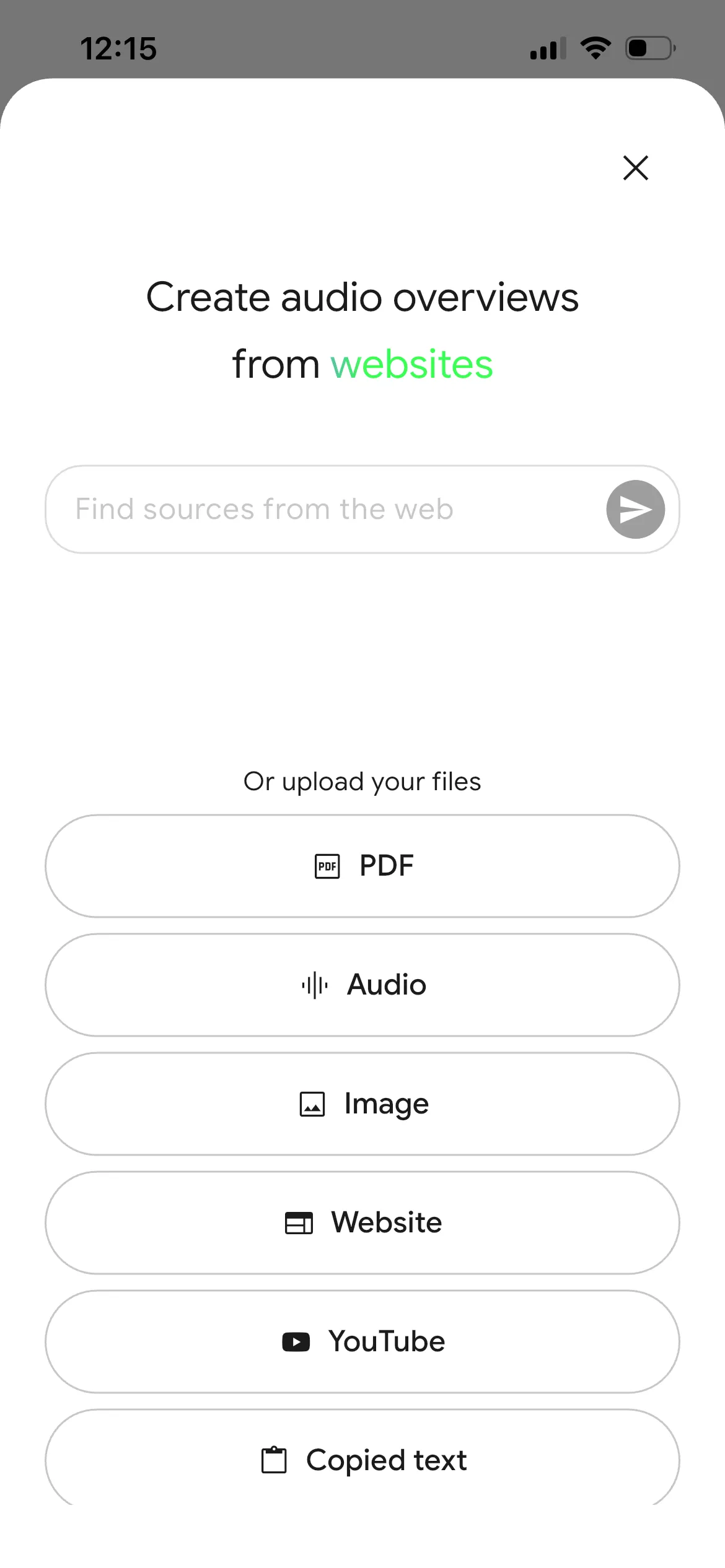
Drop the URL in there and press send. NotebookLM will analyze it.
From here, you can interact with it via chat. However the power lies in the “Studio”. Tap Studio and you’ll see these options:
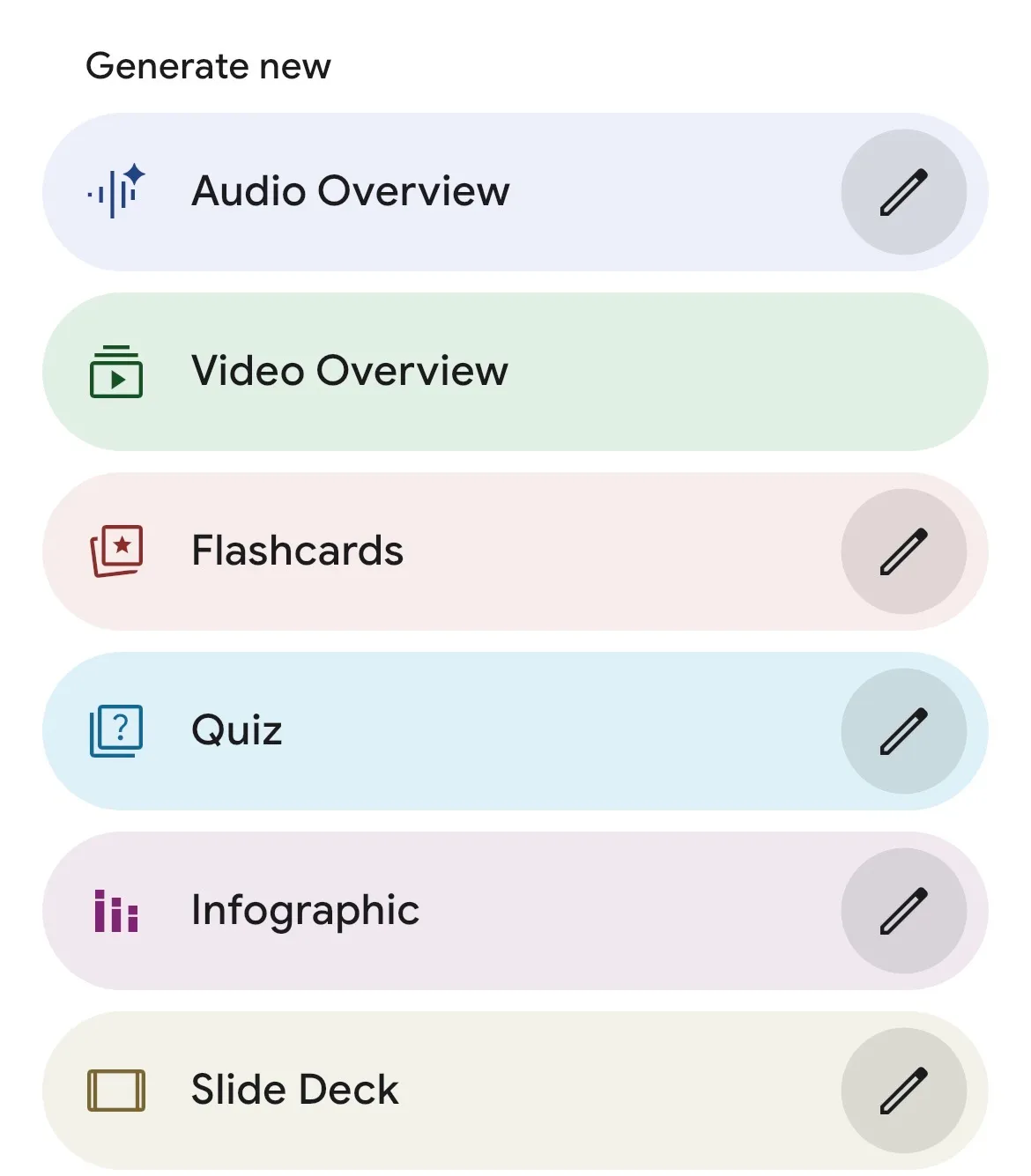
Tap the edit icon on the “Audio Overview” section.
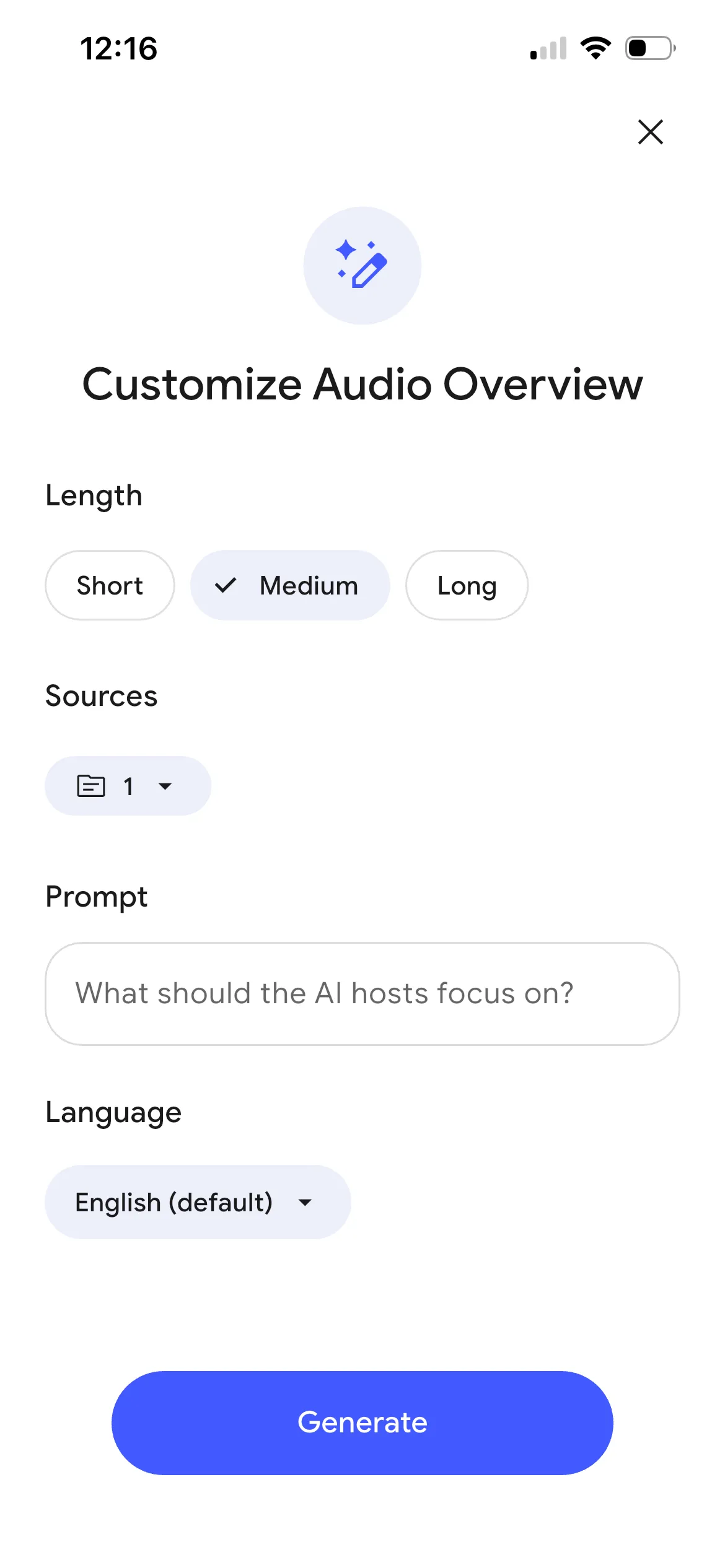
Then select the length of the podcast you want. I typically default to medium and it will create something between 12-20 mins long in my experience.
Press “Generate” and that’s it. It’ll work for five or ten minutes and generate a full podcast on this topic.
When its done you can stream it or download it to listen to offline later.
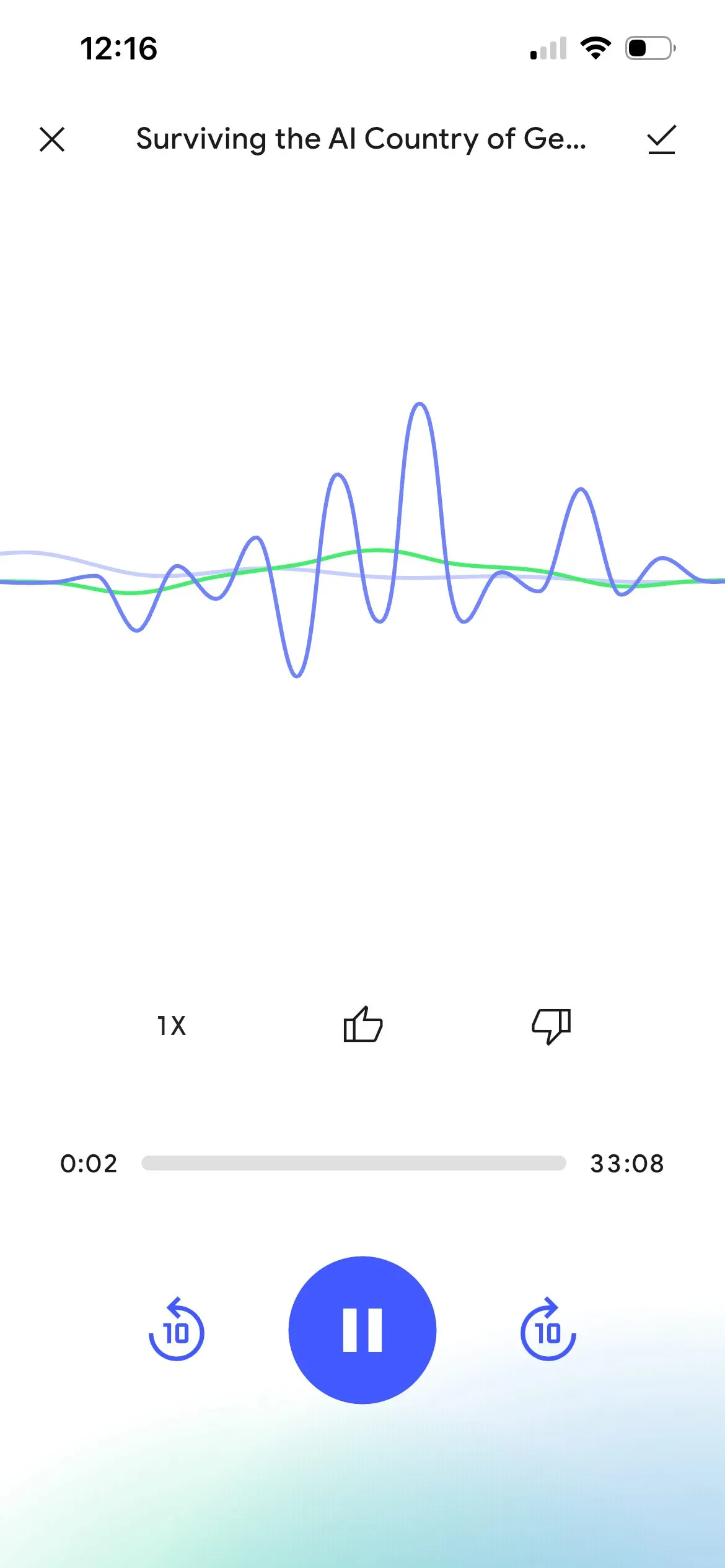
Listen to it when driving, doing dishes, laundry, exercising, etc.
You just got more productive.
You can do this with anything. A doc, pdf, a url, multiple docs, and more. You can have it generate flash cards and videos and more. Explore.
Workflow Two: Deep Analysis of Code/Understanding Patterns/Documentation/etc
Let’s assume I have a codebase – maybe an open-source library or a random bit of documentation from some internal system that you would like to work with.
I will open up Claude Code (or Codex or whatever) inside that directory and tell it that it is an architecture and technical project analysis expert, and that its task is to analyze all of the documentation using subagents and then create a comprehensive deep dive analysis of their findings in a Markdown file of what it finds. In that prompt I inform it that this file should outline all of the documentation of how the system works, the architecture decisions made, the popular and most used libraries, potential pitfalls and security concerns inside the application, as well as opportunities for improvement and areas of high throughput for code churn. I will also ask it to ask me clarifying questions before it begins.
You can use this prompt to generate the report for you.
Claude Code (or whatever LLM you’re using) will go off and do its work and eventually return a result. I tell it to save this result to a Markdown file somewhere. I will then take that Markdown file, create a new Notebook in NotebookLM, and then I will upload that document there.
I will then perform the same actions as I did above with the URL and I will create a podcast on it.
Now I can learn about some project I’m working on passively while doing other tasks.
Conclusion
Now I have podcasts of articles that I want and/or need to listen to, and a podcast of documentation or project or code analysis that I can listen to when I’m performing other day-to-day tasks in my life.
Take the same concept and apply it to anything where you need to consume something but simply don’t have time. Maybe even a YouTube video that you’d like synthesized. You can provide the URL, run it through NotebookLM to have it give you the summary, and listen to it in audio format. Then you can also chat with the document in NotebookLM.
You can take PDFs and upload them and get a summary. I uploaded one of my recent blood work panels to it and had it give me a podcast on it and it was probably the best blood panel reading and metabolic analysis I’ve ever had.
There’s way more that you can do with Notebook LM with this kind of info (as well as other tools), but this is a big game changer for me for being able to stay up to date on work things, industry news, understanding codebases, etc. I hope you find it just as useful.