development
Auto-Insert Attribute Quotes in HTML
A quick Visual Studio tip: enable automatic attribute-value quotes when typing HTML in the ASPX editor, so you stop typing them by hand.

A quick tip for those of you who don’t use tools like ReSharper that automatically put the attribute quotes in for you when typing HTML.
Don’t you hate it when you’re typing in the HTML window of an ASPX page and you have to type in the quotes for an attribute value on element? I do too.
You can fix this by going to Tools > Options > Text Editor > HTML > Format
and checking the box that says “Insert attribute value quotes when typing”.
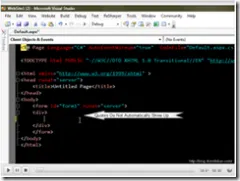
Check out this short clip that I made to see exactly what I’m talking about (there is NO AUDIO on this clip)
Click the image to view the screencast-clip.