How to Fix – NameError: uninitialized constant Vips on Heroku
Fixing NameError: uninitialized constant Vips on Heroku for a Rails 7 app: the ruby-vips gem, an Aptfile, and two buildpacks in the right order.

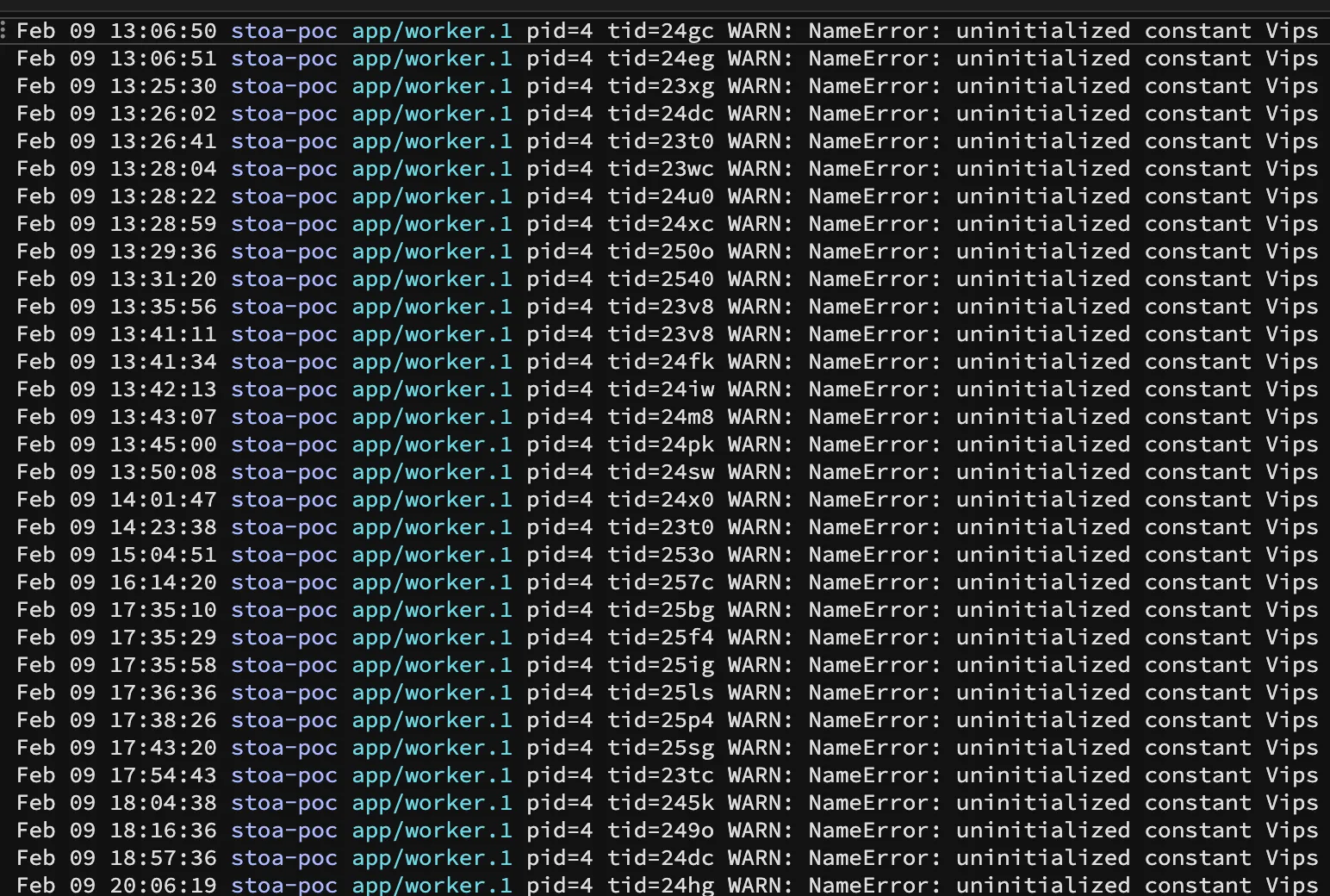
Stoa is a Rails 7 application that currently runs on Heroku. During a recent deployment of my upgrade to Rails 7 Sidekiq started failing numerous background jobs around some image processing I had. The error message in Sidekiq was:
NameError: uninitialized constant VipsHere’s how I fixed it …
In my Rails app I needed to do two things:
- Install the ruby-vips gem
- Add an Aptfile with a couple dependencies
Then in Heroku I needed to add two build packs:
- heroku-community/apt
- https://github.com/brandoncc/heroku-buildpack-vips
Then …
- Push your changes to Heroku (you need to do this step last)
How To
In your Rails app, add the ruby-vips to your Gemfile:
# I'm using 2.1.4 at the time of writing# You may need to use a newer version if this post is oldergem "ruby-vips", "~> 2.1.4"Then run bundle
Next, create a file in the root of your Rails app called Aptfile:
touch Aptfile
Now add the following three lines to that file:
libglib2.0-0libglib2.0-devlibpoppler-glib8When we add the apt buildpack (below) and then push our changes, Heroku will see the the Aptfile and it will install those dependencies for you so that the next buildpack can install libvips.
Now open a command prompt and add the following buildpacks:
heroku buildpacks:add --index 1 heroku-community/apt -a your-app-nameheroku buildpacks:add --index 2 https://github.com/brandoncc/heroku-buildpack-vips -a your-app-nameYou want the heroku-community/apt buildpack to be before the https://github.com/brandoncc/heroku-buildpack-vips buildpack.
This allows Heroku to run that build pack before the other one. In other words … this runs apt before the vips install. We need the libglib, libpoppler dependencies installed before the vips buildpack gets executed.
You can commit your changes to your Rails app and push it to heroku.
Thats it. Your Vips problem should be resolved.
How It Works
When you push your changes, Heroku will see your Aptfile and will install those dependencies. You can look at the Heroku activity tab and view the build log for the latest deployment and you’ll see apt get called to install dependencies and vips get installed as well. Then the vips buildpack can install libvips because its required dependencies are available. Ruby will now find the Vips name as we have installed ruby-vips as a gem.
… and that’s how I resolved the NameError: uninitialized constant Vips on Heroku with Rails 7.